What it does
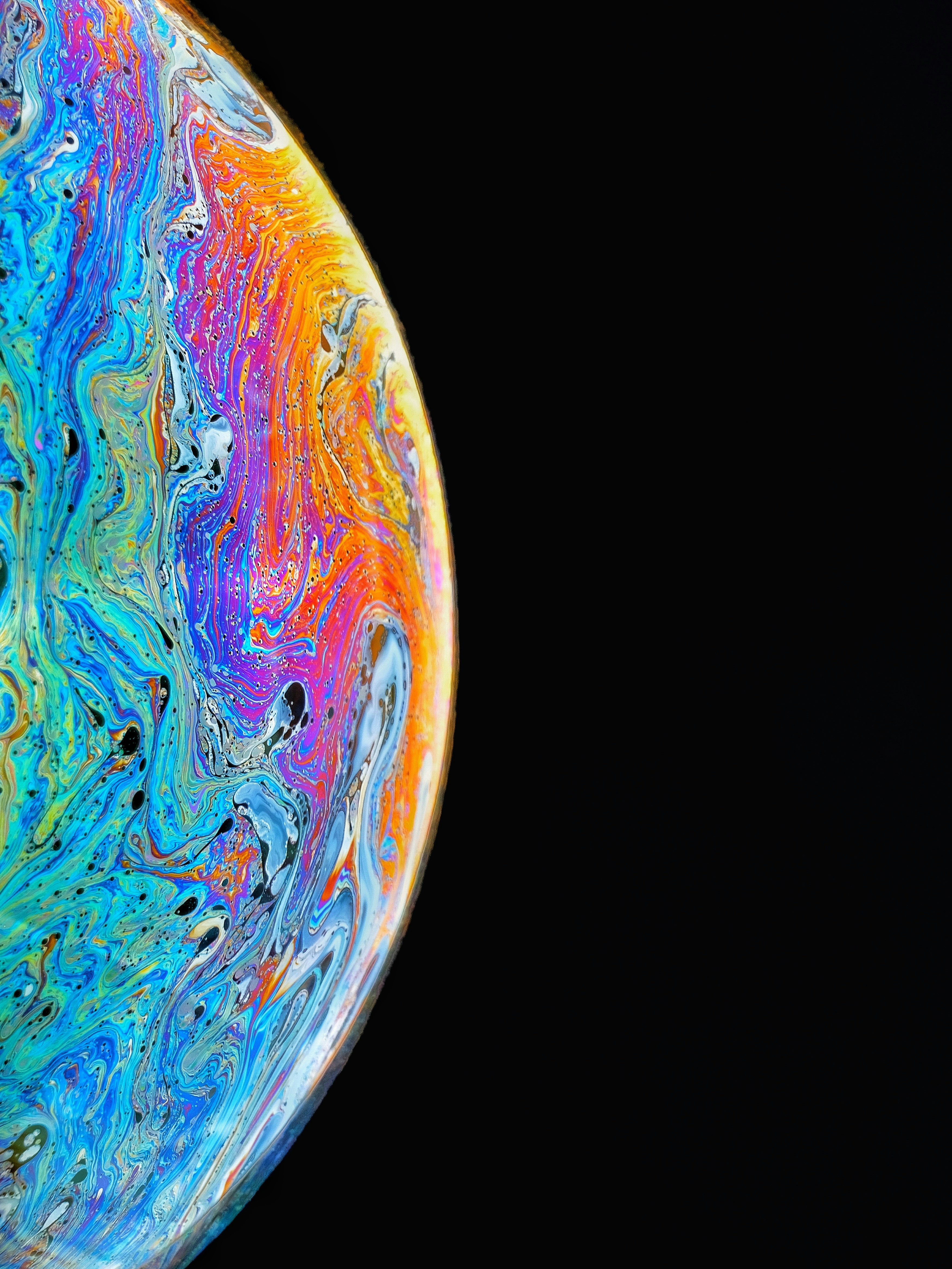
Molten Distortion applies a real-time fluid simulation to any image, making it look like it's flowing under viscous molten lava. It runs entirely in the browser using Canvas — no WebGL, no dependencies.
The effect is driven by a stable fluid solver that continuously pushes, swirls, and warps pixel positions. The result feels organic and heavy, like thick liquid slowly dragging the image downward with swirling eddies.
Quick start
Include the script and CSS:
<link rel="stylesheet" href="molten-distortion.css">
<img class="lava-effect" src="your-image.jpg" alt="">
<script src="molten-distortion.js"></script>
The plugin auto-attaches to all .lava-effect images. That's it.
Customizable via data attributes
Tune the effect directly on the image element:
<img
  class="lava-effect"
  src="photo.jpg"
  data-molten-swirl-strength="6"
  data-molten-swirl-speed="0.45"
  data-molten-push-strength="3.5"
  data-molten-warp-px="26"
  data-molten-viscosity="0.00045"
  data-molten-emitter-count="3"
>
JavaScript API
The global object window.MoltenDistortion exposes:
attach(target, options?)— attach to one image (element or selector)attachAll(selector?, options?)— attach to many imagesdestroy(target)— remove effect from one imagefromDataset(img)— parsedata-molten-*options from an imagedefaults— the default settings object
How it works
Under the hood it implements Jos Stam's stable fluids algorithm:
- Force application — swirl emitters and gravity inject velocity into the grid
- Diffusion — viscous diffusion smooths the velocity field (Gauss-Seidel relaxation)
- Projection — pressure solve ensures the velocity field is divergence-free
- Advection — velocity is self-advected through the grid
- Render — source pixels are displaced by the velocity field and drawn to canvas
The simulation runs at a configurable resolution (default ~120k pixels) and is upscaled to the display size with smooth interpolation.
Notes
- Use local or same-origin images to avoid canvas CORS restrictions
- Lower
swirlSpeedfor slower rotation, raiseswirlStrengthfor more twisting - Zero dependencies — vanilla JS, works in any modern browser